

They Fired Guns at a Party in Dobridol - and Police Only Moved Once the Video Went Viral
02.08.2026



02.08.2026

02.08.2026

02.08.2026

02.08.2026

02.08.2026

01.08.2026

02.08.2026

01.08.2026

31.07.2026

02.08.2026

02.08.2026

02.08.2026

02.08.2026
02.08.2026

01.08.2026
09.03.2026
27.02.2026

19.02.2026

02.08.2026

01.08.2026

31.07.2026
23.04.2026
23.04.2026

12.04.2026
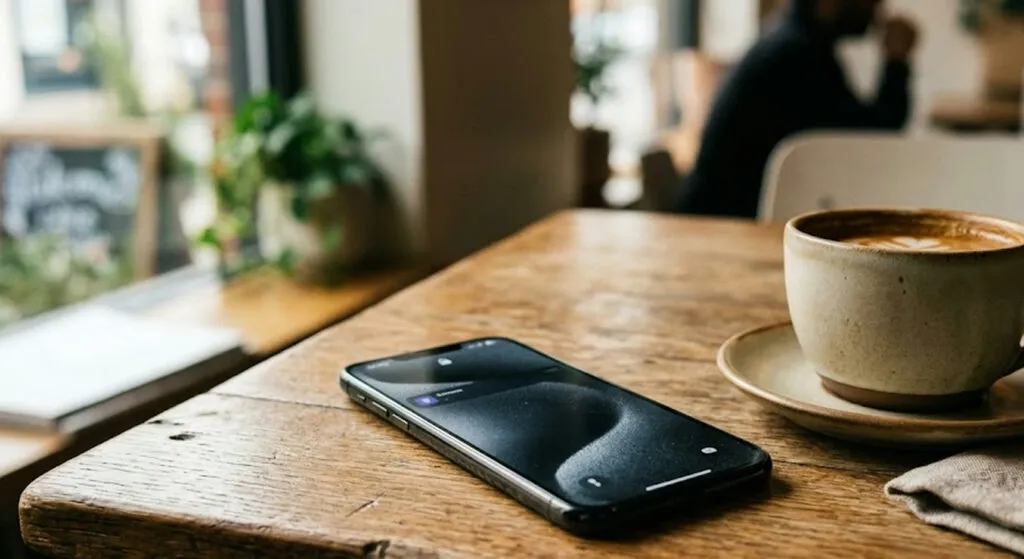
Instagram has released a new feature called Instants, supposedly for "authentic" moments that vanish - but millions of users are already asking how to switch it off. The reason is not embarrassing, just technically obvious: the photo you take goes immediately to all your Instagram friends, without asking you first.
The idea is a copy of Snapchat and BeReal - a format where the picture disappears after viewing, there is no list of viewers, reactions are private. On the entry you see a small stack of photos in the bottom right corner of the inbox. From there a quick tutorial opens and right after that - the camera.
The problem is in the design. Under the shoot button there is a toggle between "Friends" and "Close Friends." It is set to "Friends" by default, meaning all your friends on the platform. When you tap the button - the photo goes out. No confirmation. No preview. No "are you sure?".
Instagram users are used to curating, filtering, choosing - the feature now skips that habit. The result: people send photos to "friends" without realising this is an entirely new way of working. Some did not even notice the photo had left.
The "Undo" option exists - it appears under the button right after the shot - but many people simply miss it in the rush of surprise. And there is the first conceptual problem: if the main protection requires the user to see it for less than one second, that is not protection, it is marketing decoration.
For those who want to disable it completely: go to your profile, tap the three lines top right for settings. Scroll down to Content Preferences and activate "Hide Instants in Inbox." Done - the feature disappears from the inbox, you will not see Instants from anyone, and none of yours will accidentally go out to anyone.
Alternatively, if you do not want to disable it entirely, you can long-press the Instants pile in the inbox and swipe right - that is a temporary pause. To delete a photo you have already sent: go into the archive (top right in the camera) and delete it - if the recipient has not yet opened it, it will be pulled from their device.
All of this is a good reminder that every "new format for authenticity" on social media comes with hidden text. This time, the text is - do not expect the photo to stay with you until you decide. You have already sent it, while you were thinking about whether to send it.
The latest 10 news from this category
Opus 5 set a record in the test and broke 11 agreements. Not one of the tricks is new -...

The billions were announced with a stage and slogans. The retreat is happening quietly, in sentences containing the word alignment.
In his last quarterly report Tim Cook announced the stronger Siri will be bought through iCloud+. The firm that paid...
The platforms that spent years convincing us automated content was the future are now patiently building filters against it. The...
Out of 141,006 test runs, three ended up inside the live systems of real firms. The oldest model worked out...
The strongest June quarter in its history, and the stock fell 6 percent. Artificial intelligence turned out to have a...

The FCC is closing the door to humanoid robots and power inverters, but only new ones. The millions of Chinese...
The player that raised the MP3 generation is betting nostalgia can be billed monthly. The new Winamp arrives in 2027,...
The man selling the world's best-known artificial intelligence says we will not work less. He also claims we will secretly...
Autonomous vehicles have blocked ambulances, driven into crime scenes and failed to recognise emergency lights. The bill demands the one...
This site uses cookies - is that okay? Learn more
Be the first to know when Metla launches something new
Leave your email and we will write when there is a new guide or something new on Metla.